


Permanent by default.
Every render gets a content-addressed /r/<hash> URL with no expiry.
Your agent does the structured thinking. mira gives it somewhere to render.
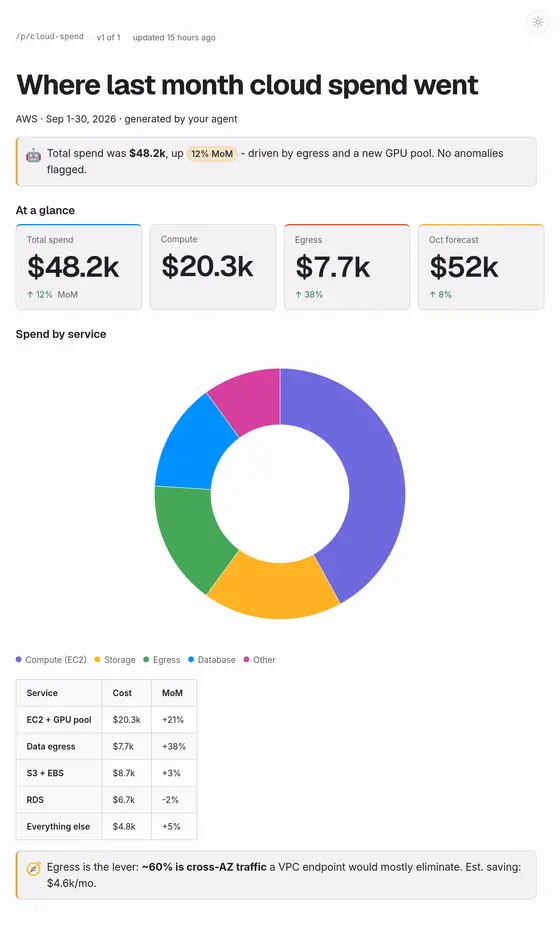
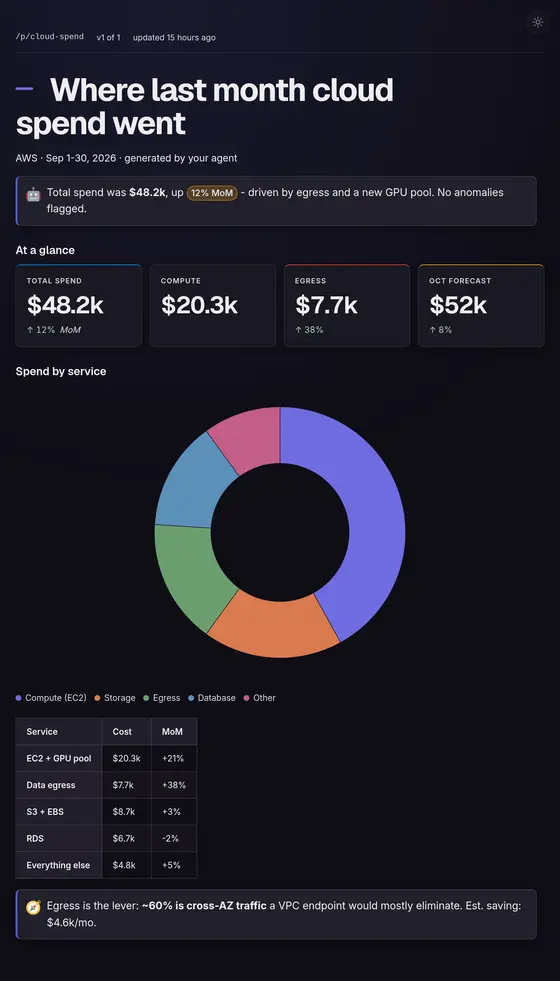
Grouped it by service — egress is the lever. Here’s the page:
mira.cagdas.io/p/cloud-spend View page↑ what the chat box does to it
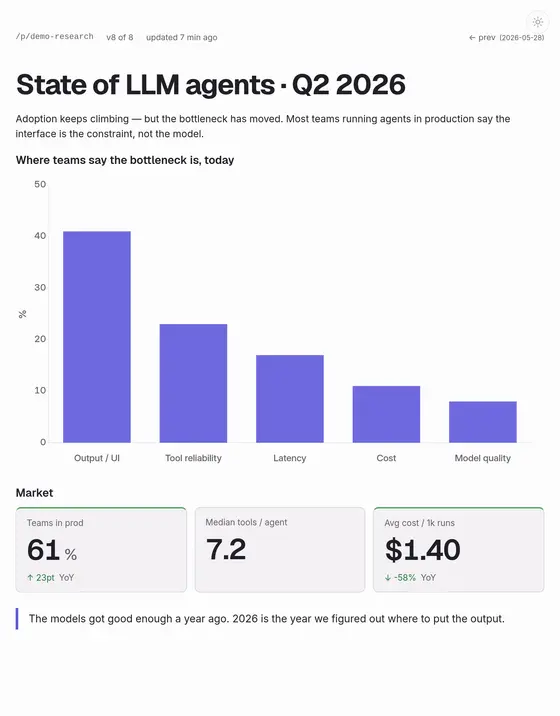
Your agent builds a real comparison, a roadmap, a chart, a twelve-section writeup. Then the chat client flattens it: the table collapses, the chart becomes a paragraph describing a chart, the deck is bullet points. You screenshot it, or paste markdown and accept the mush. The thinking was good. It just had nowhere to go.
Agents can reason, search, and run code. They've never had a place to show the result. mira is that place.
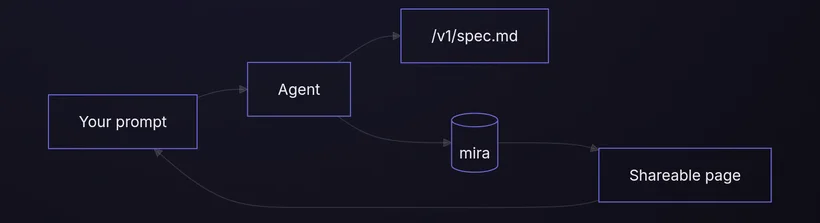
Drop mira.cagdas.io into your prompt — “render this on mira.” That’s the whole ask of you.
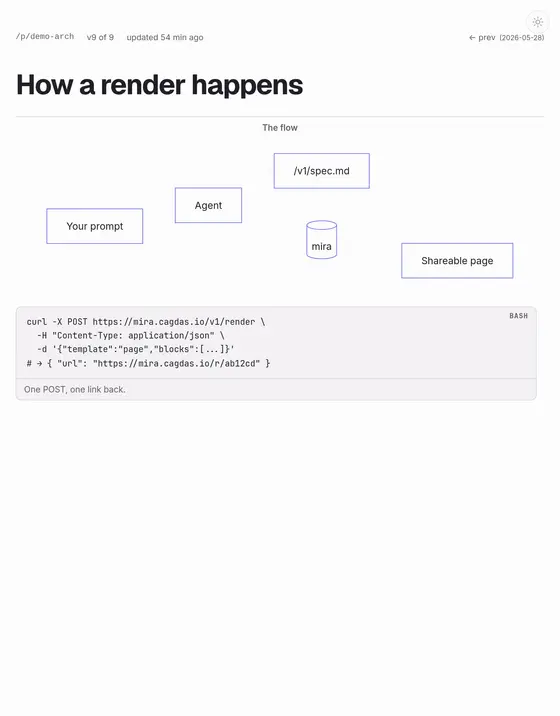
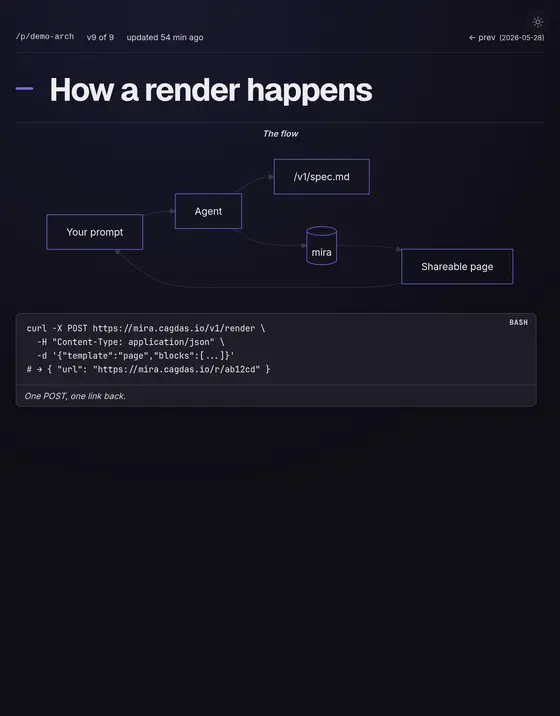
It fetches the page, follows the X-LLM-Spec header to the spec, and builds a JSON payload that matches the schema.
It POSTs to /v1/render and hands back a permanent URL. You open it in a browser and see a real page.
No API key. No signup. No SDK.
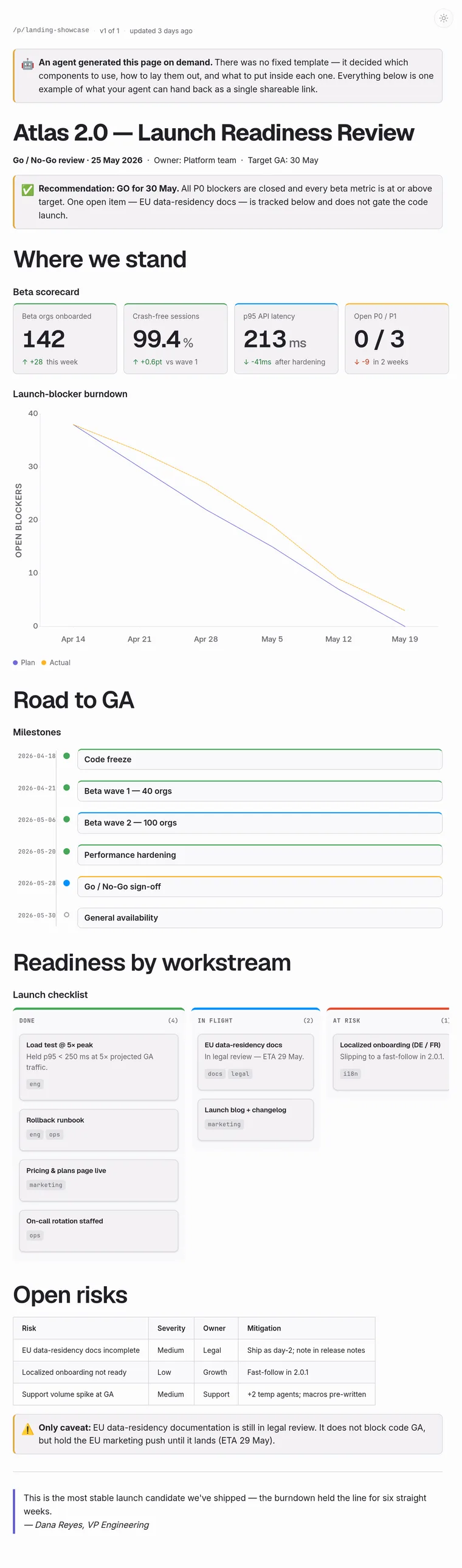
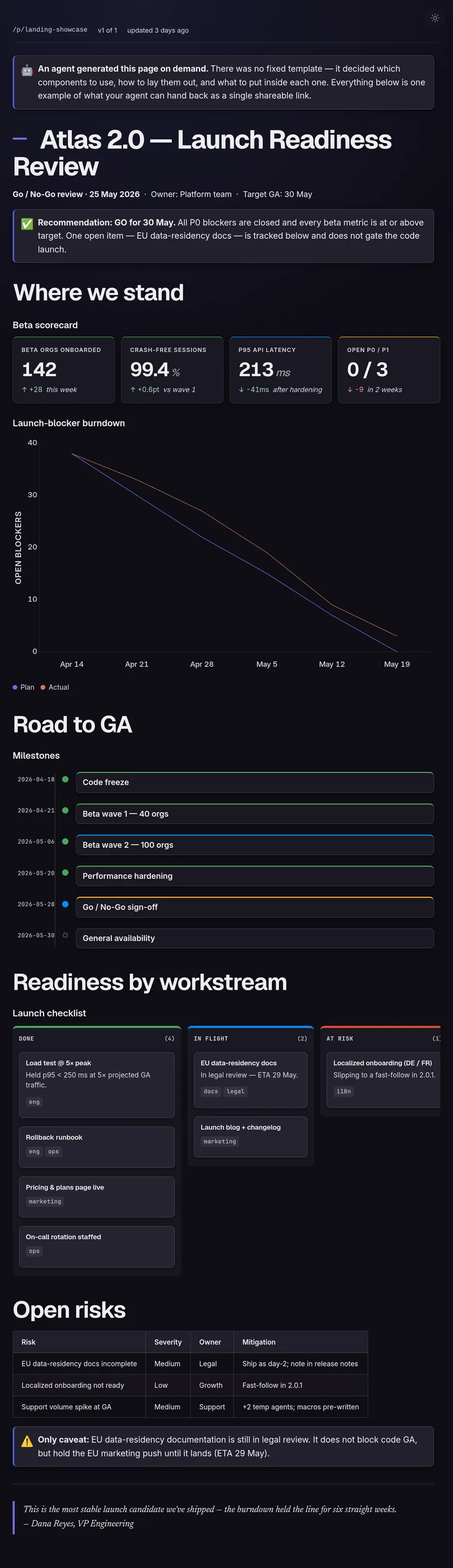
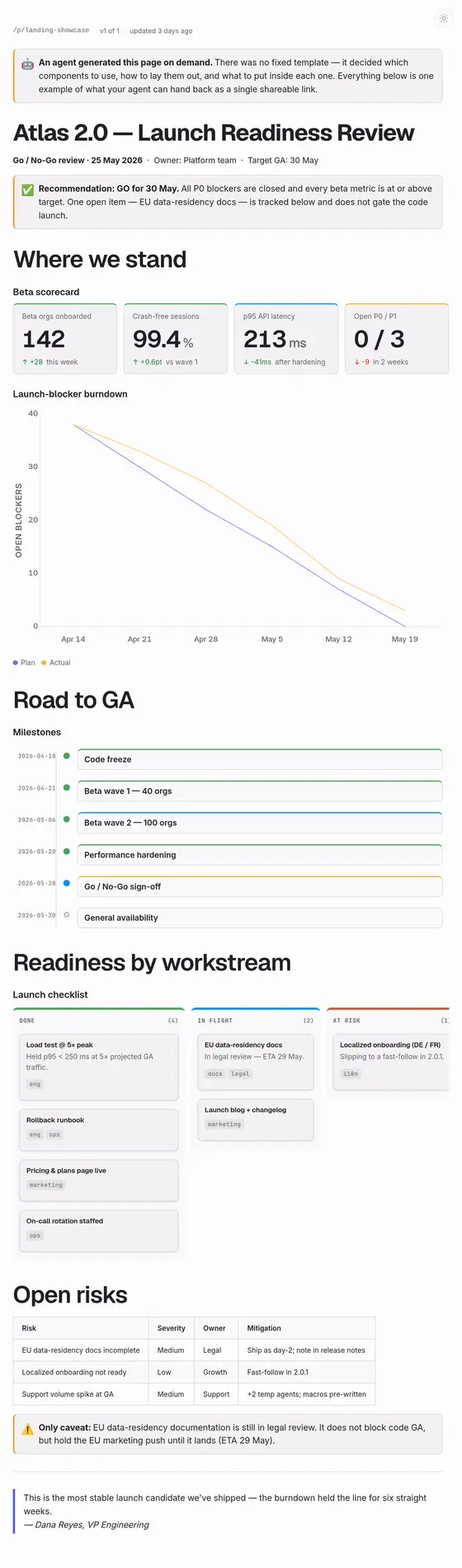
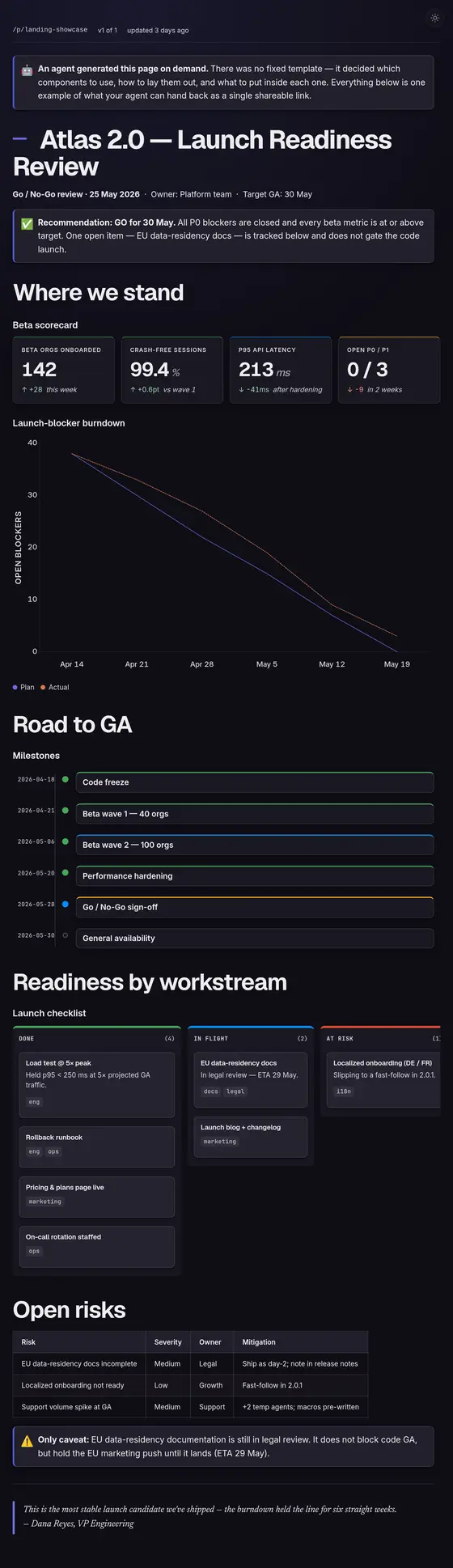
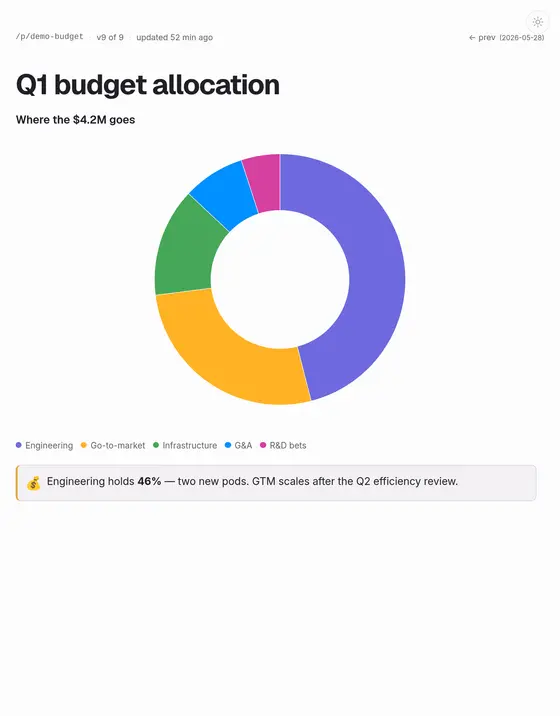
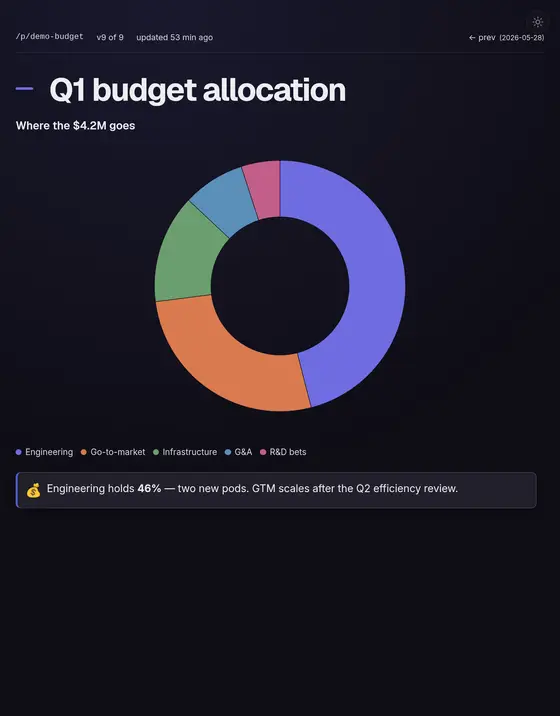
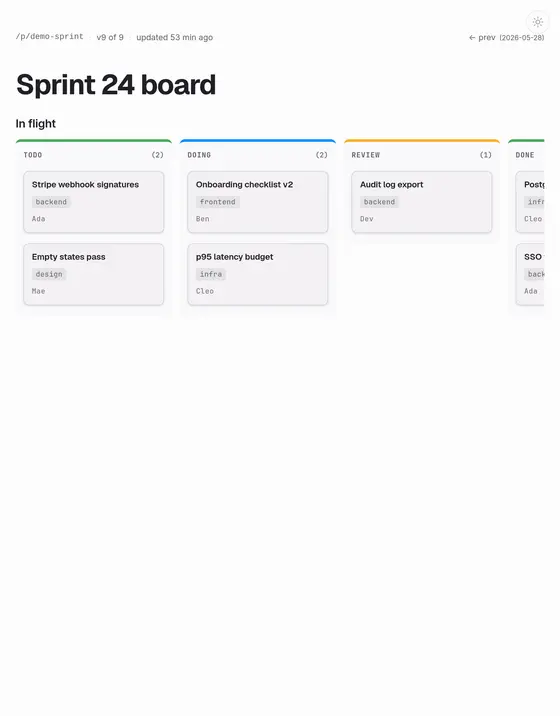
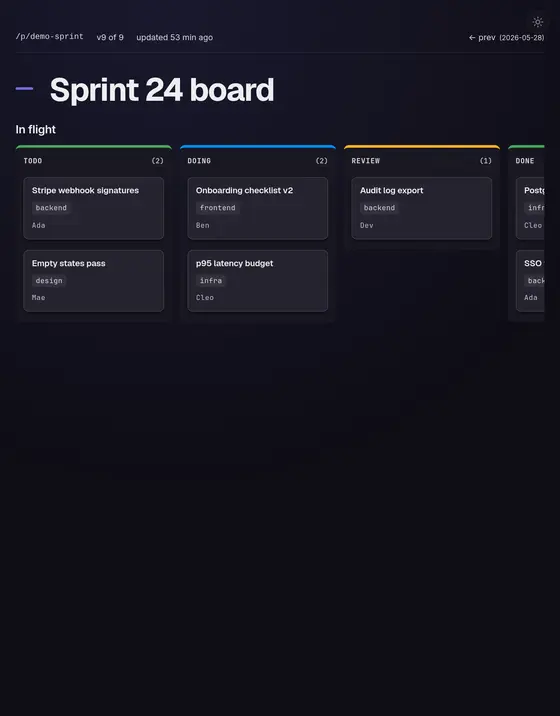
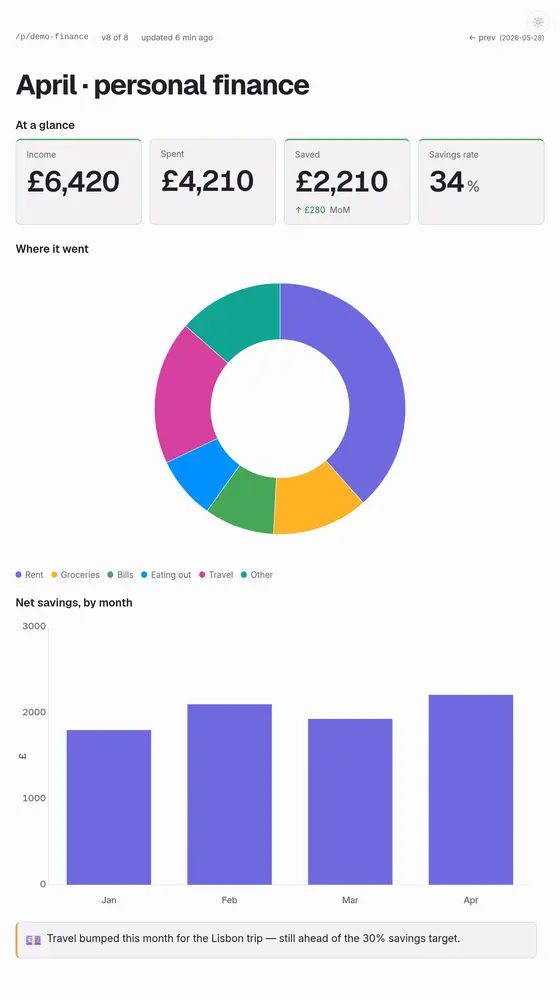
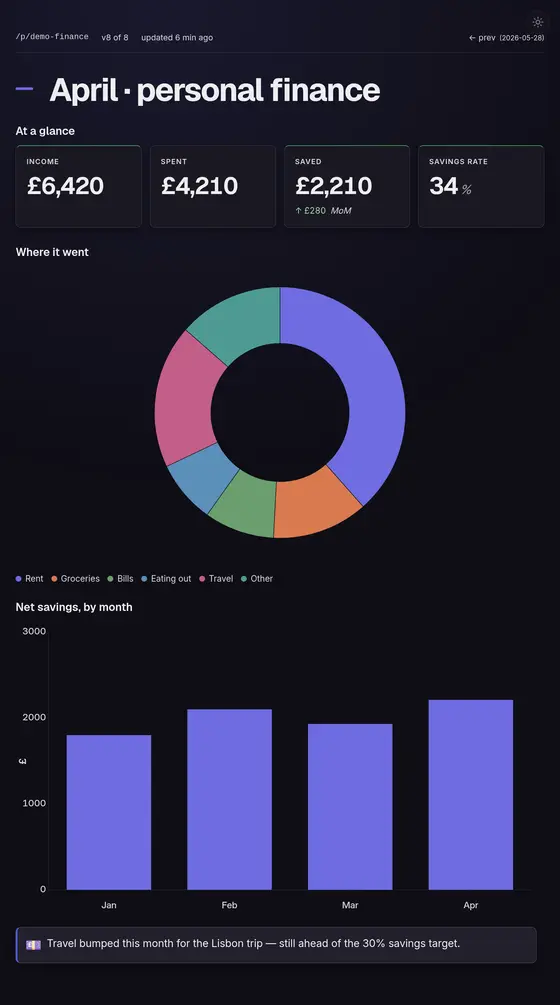
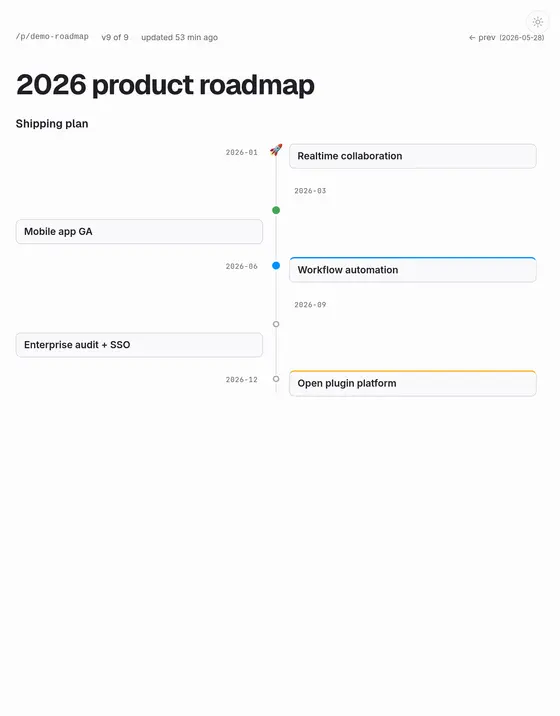
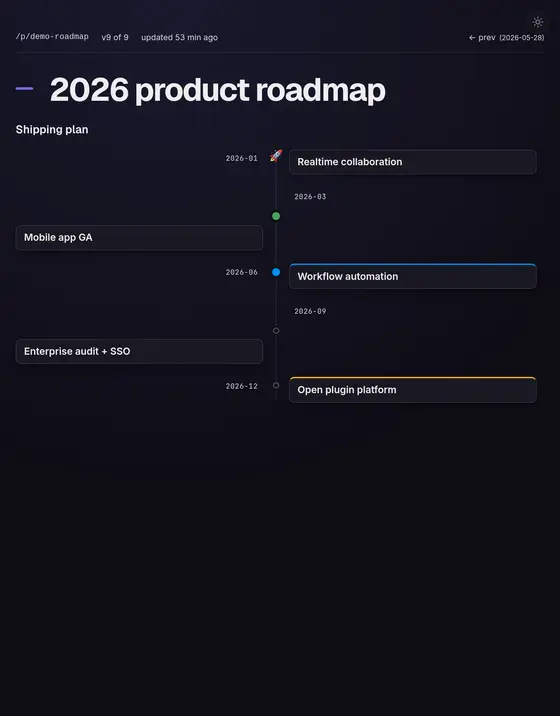
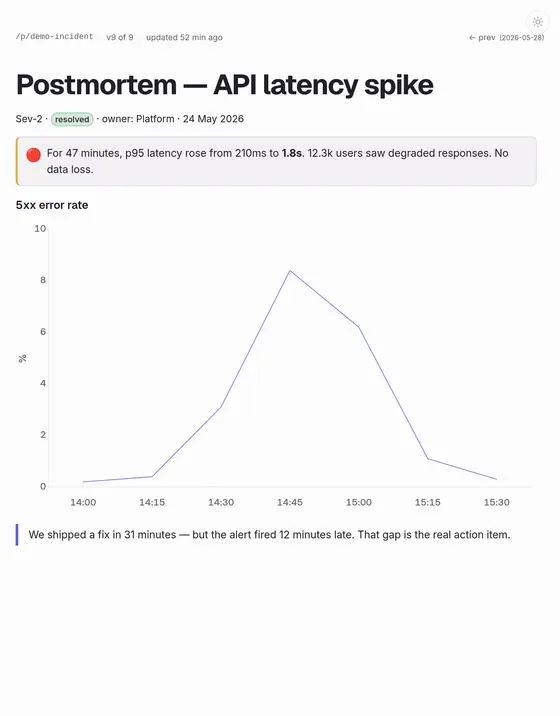
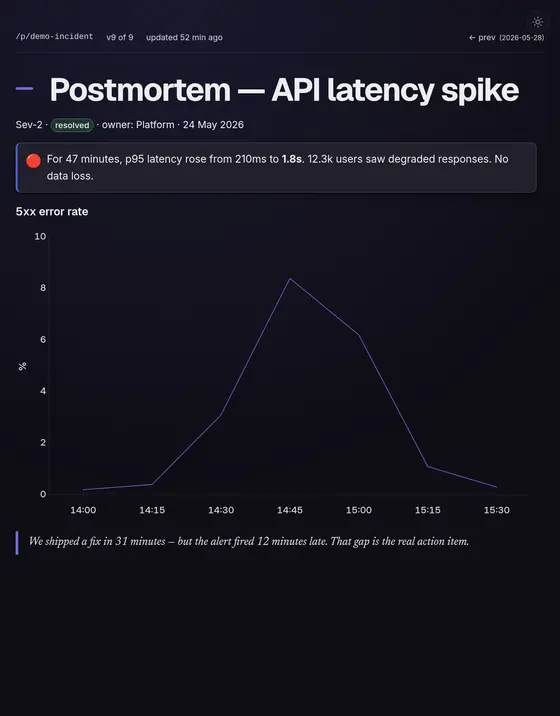
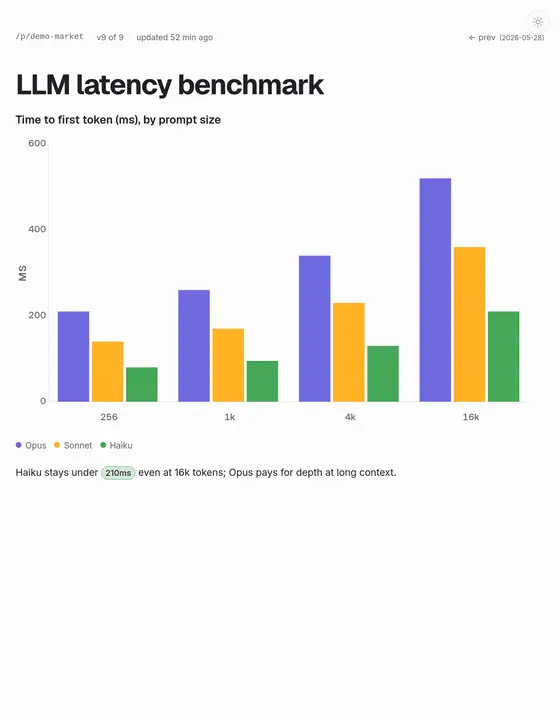
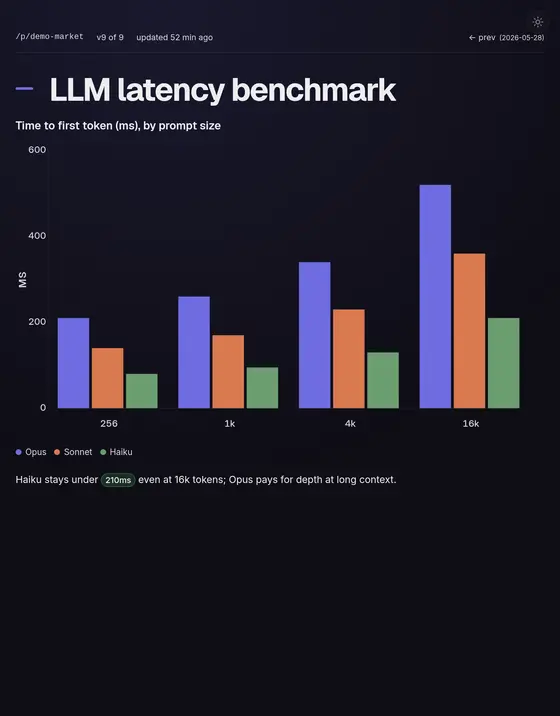
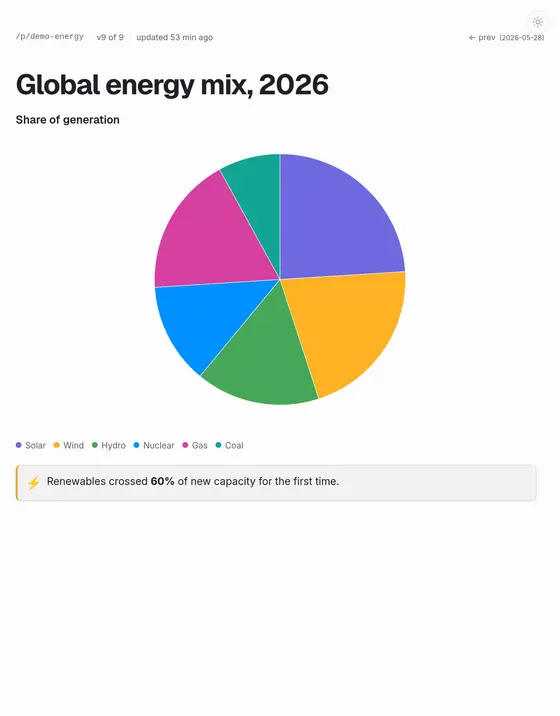
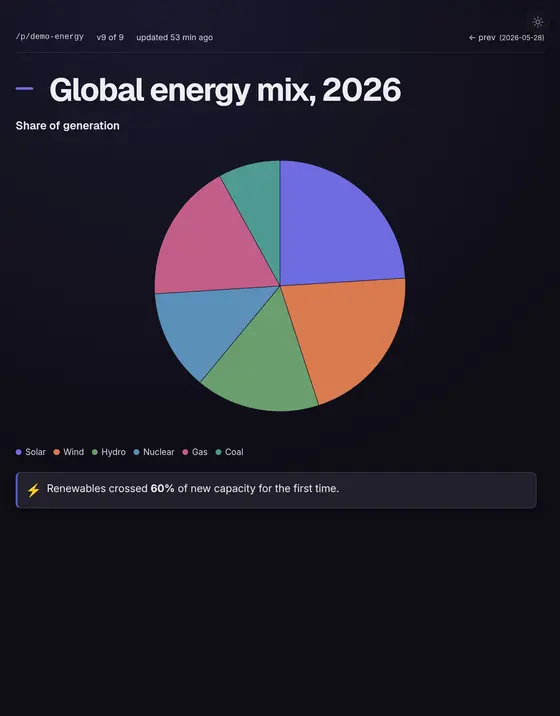
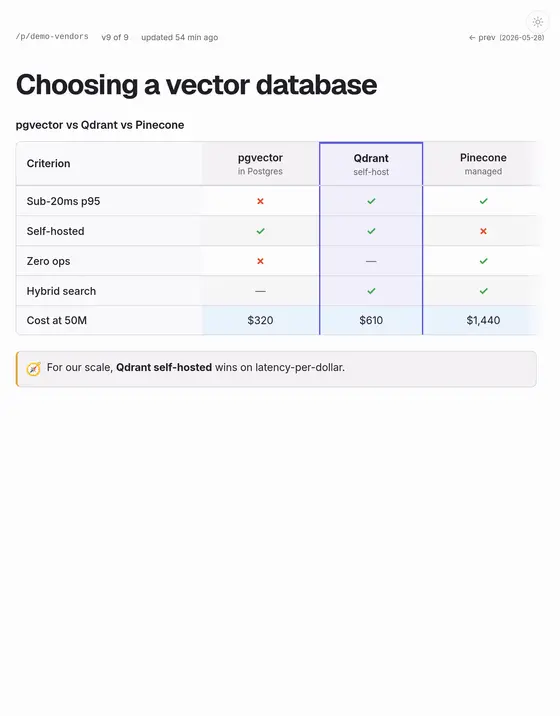
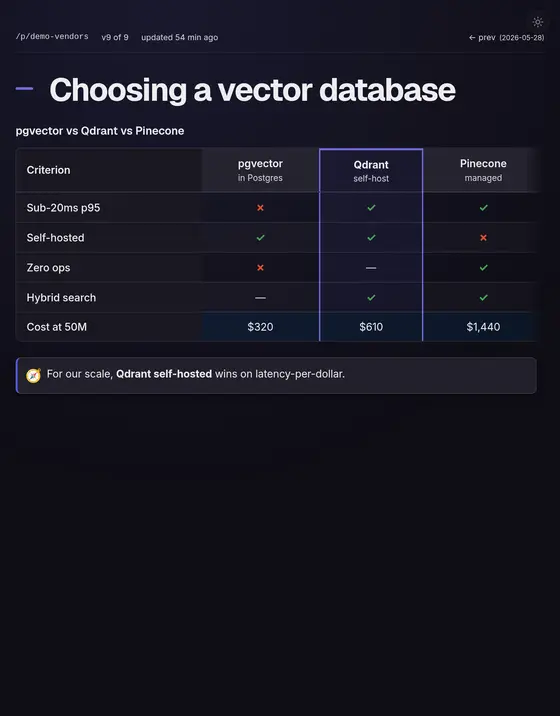
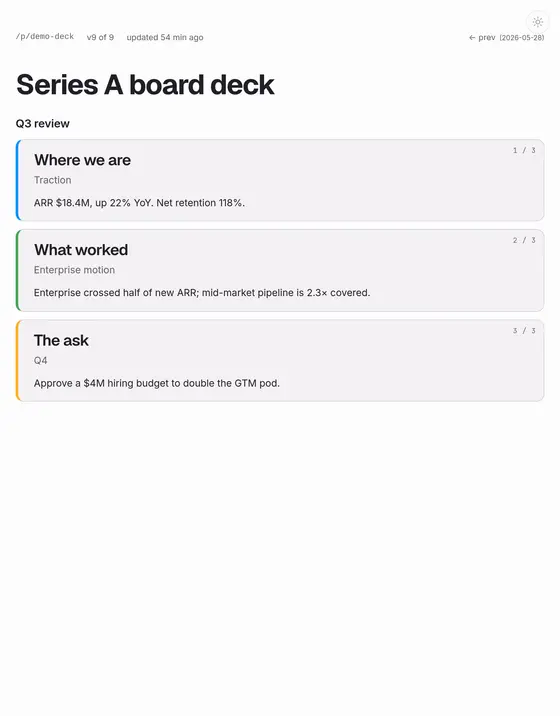
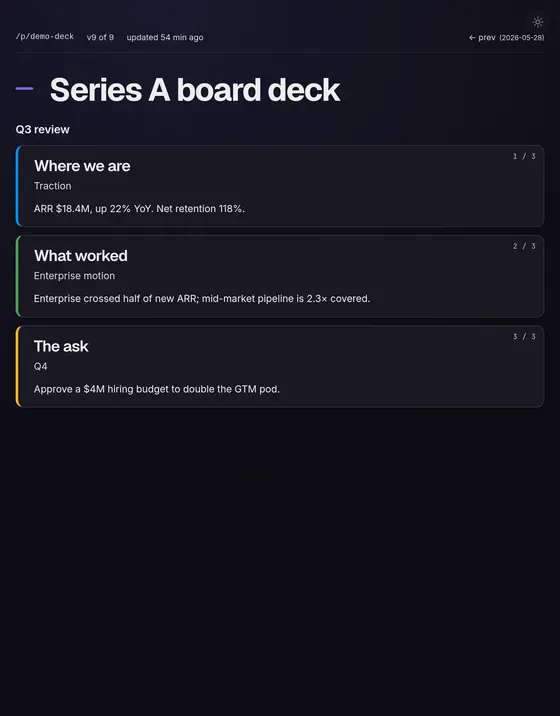
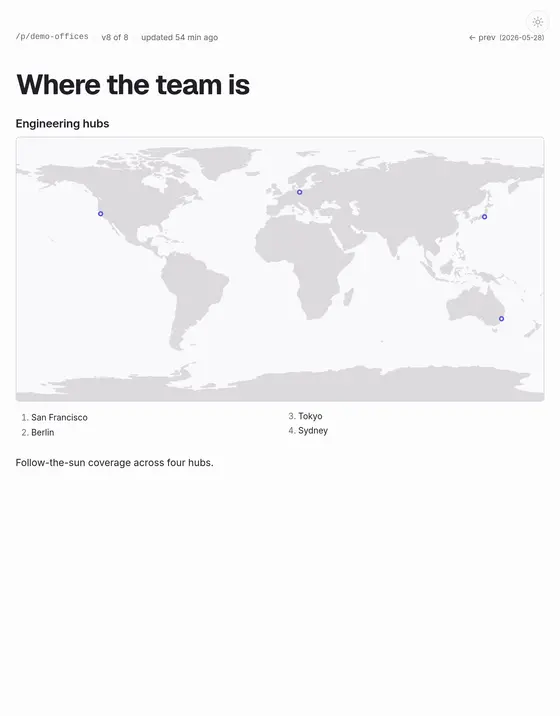
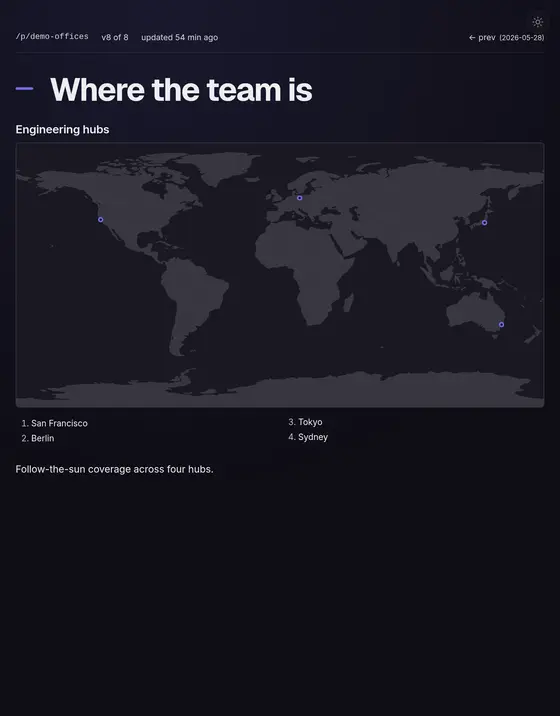
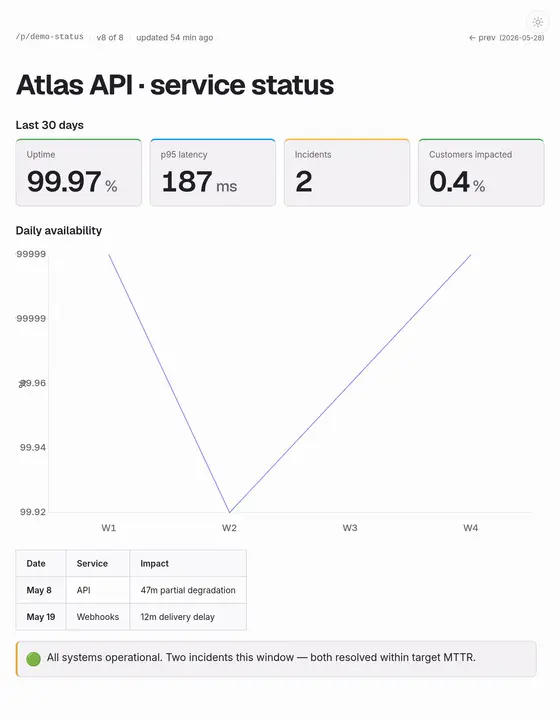
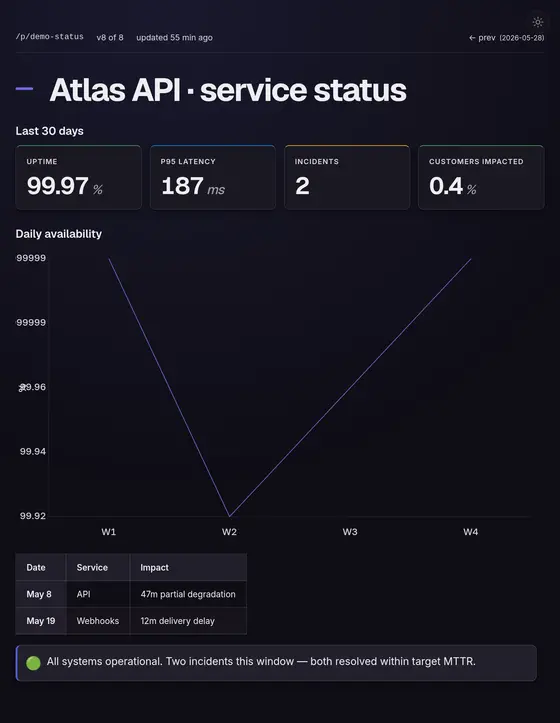
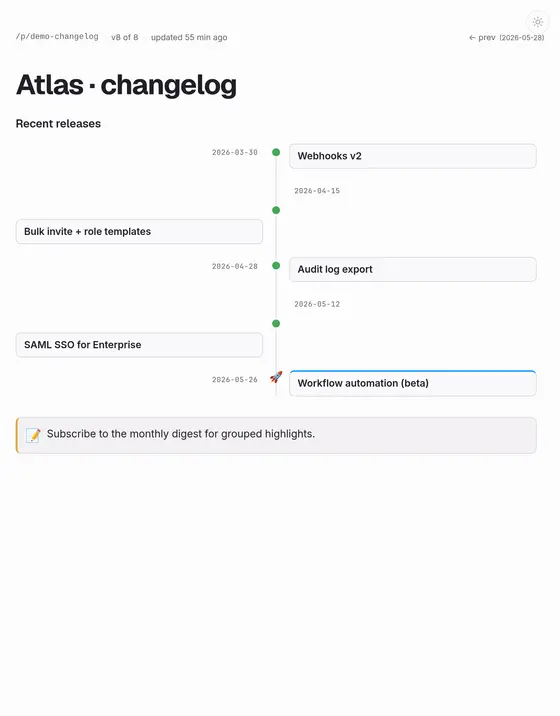
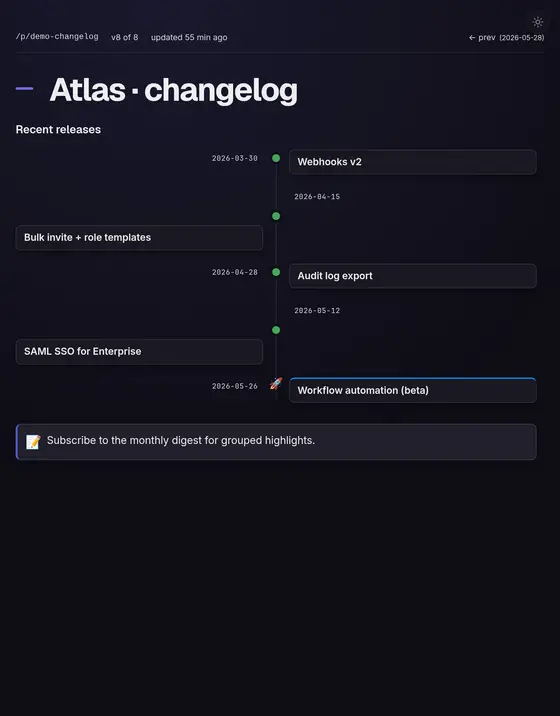
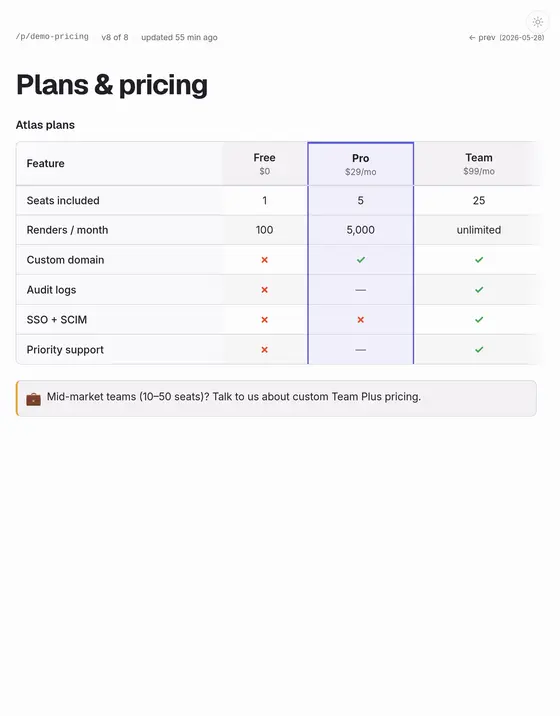
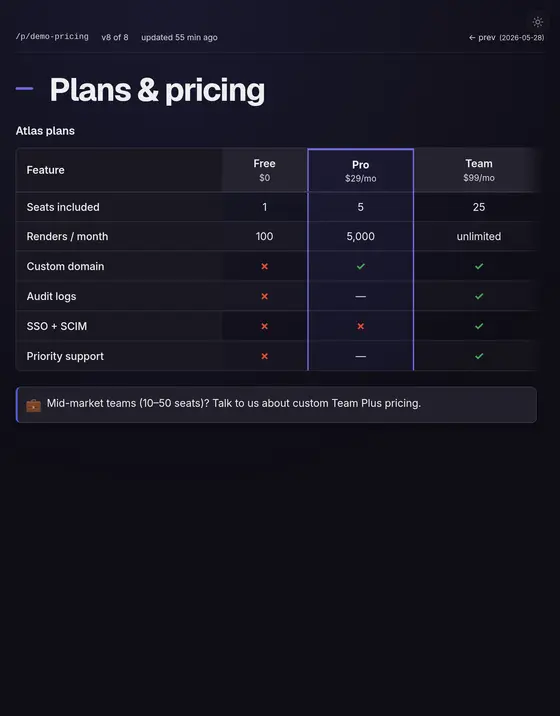
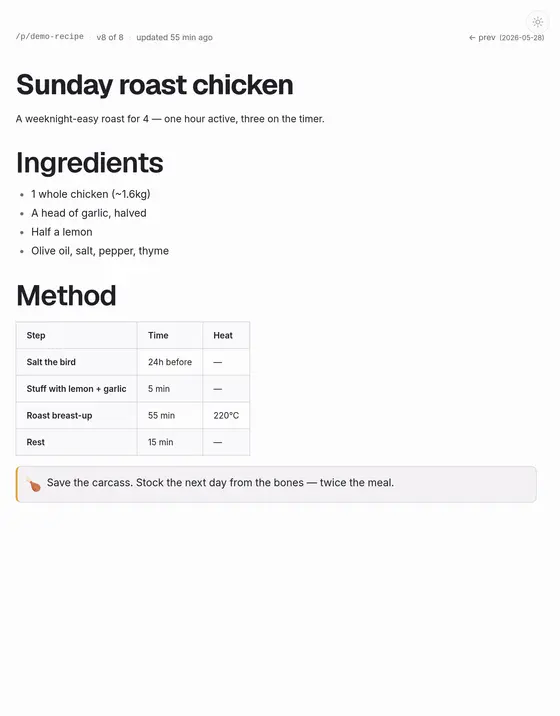
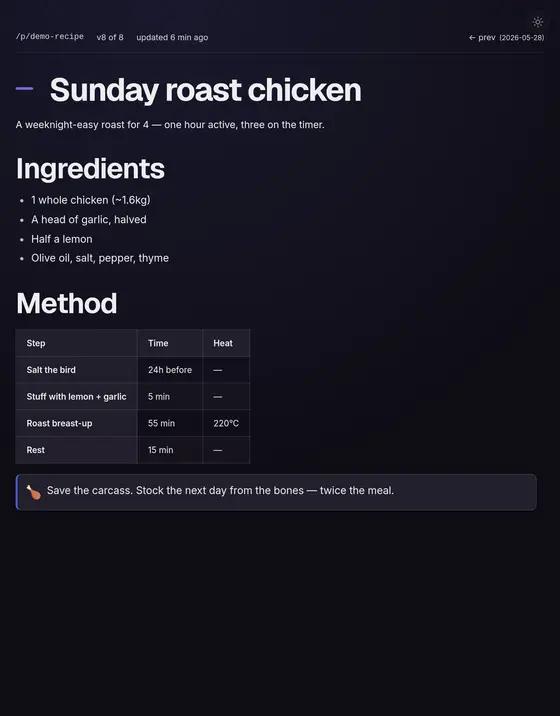
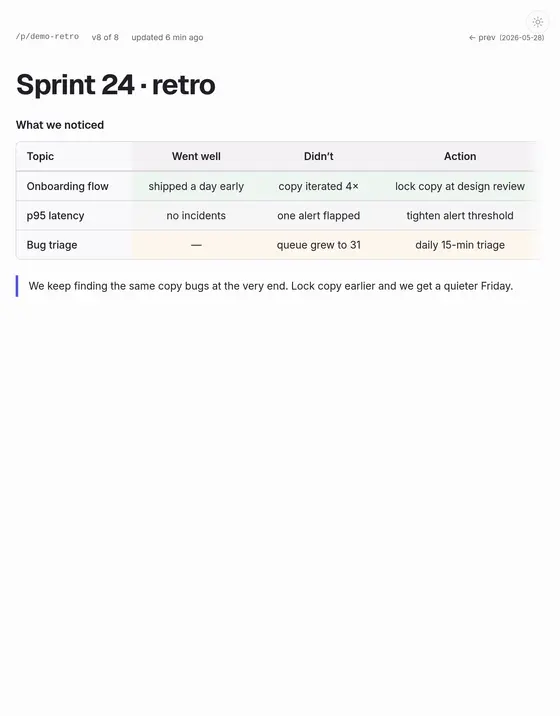
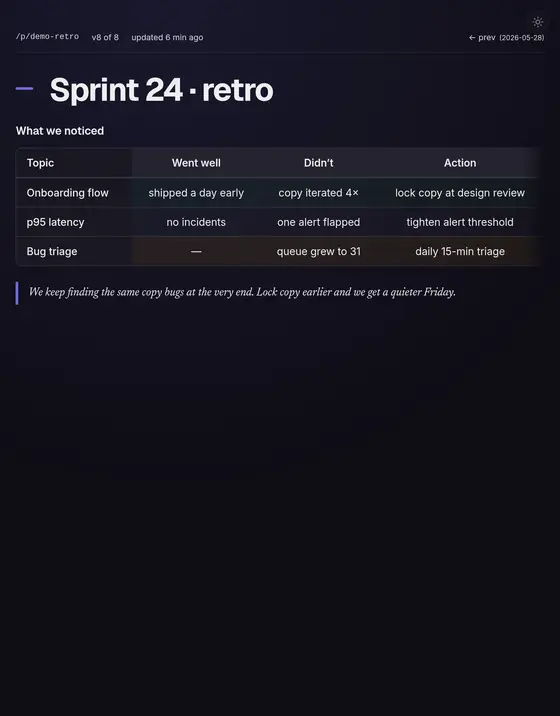
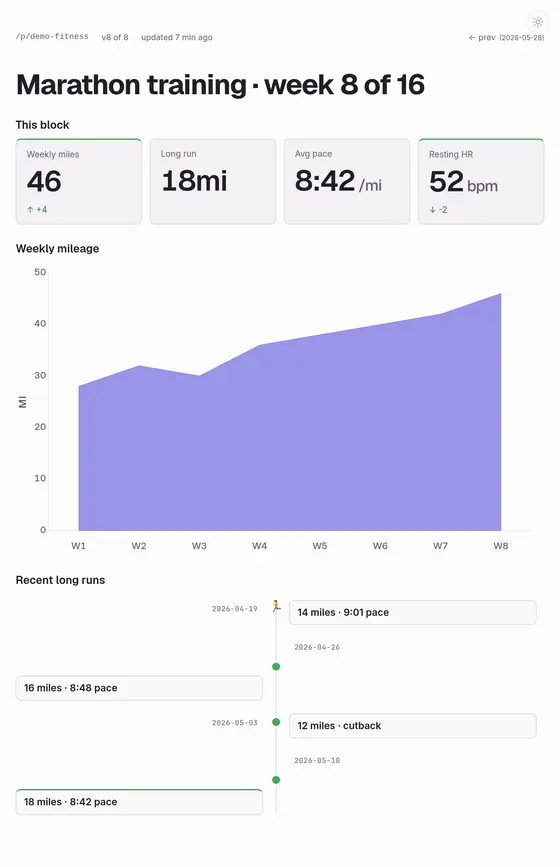
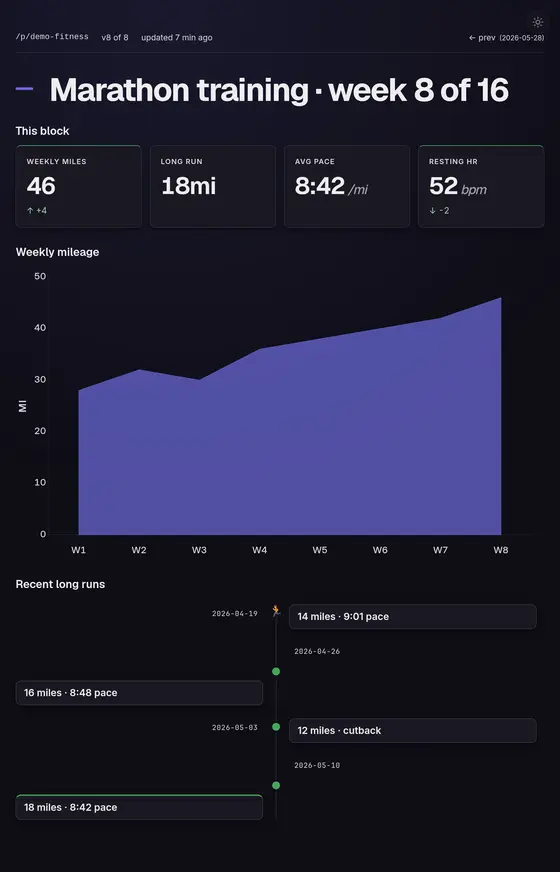
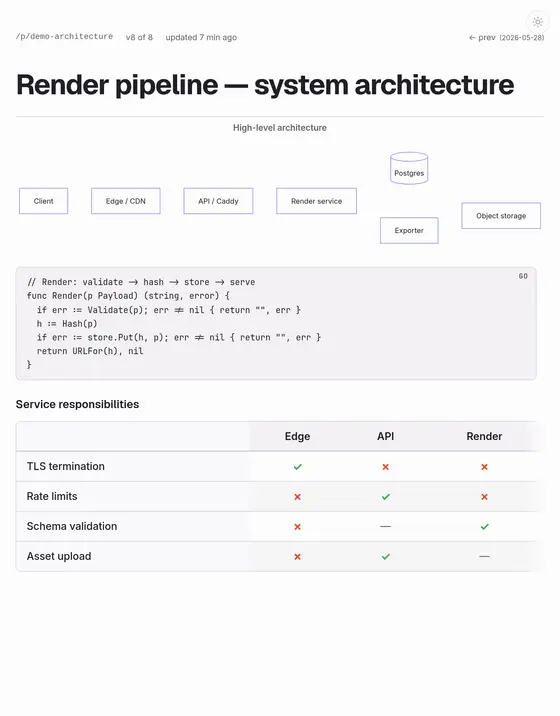
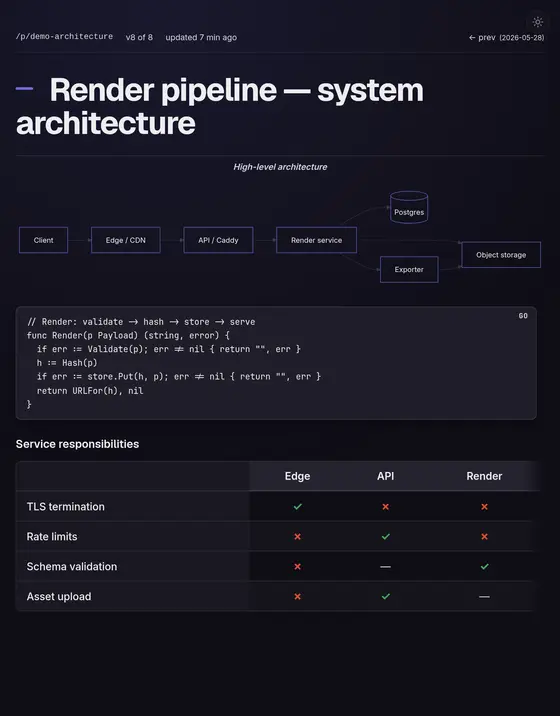
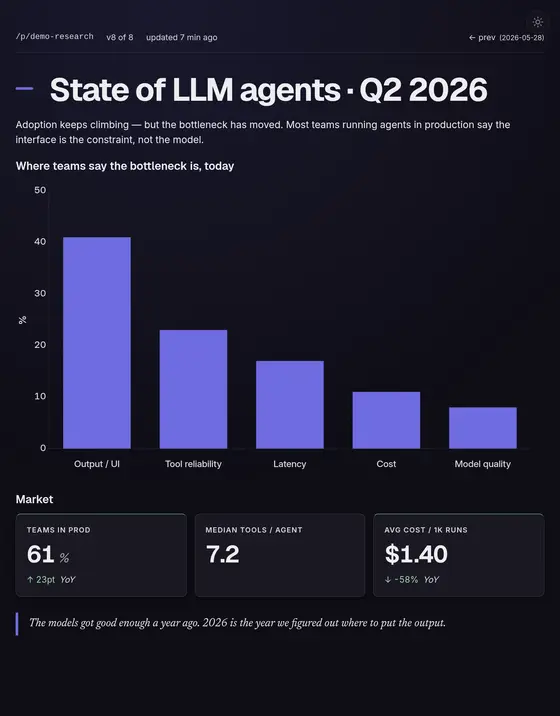
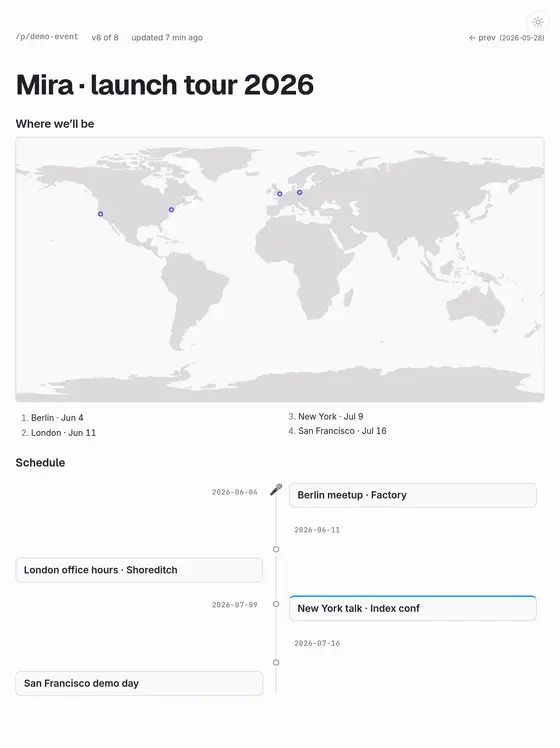
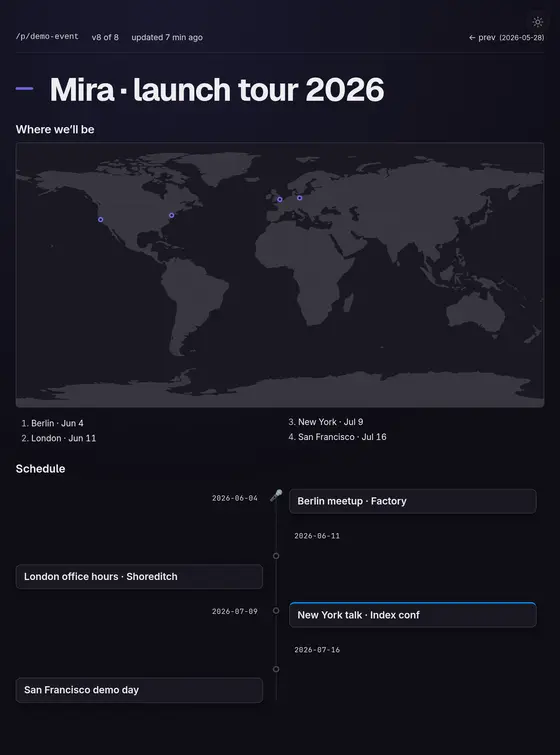
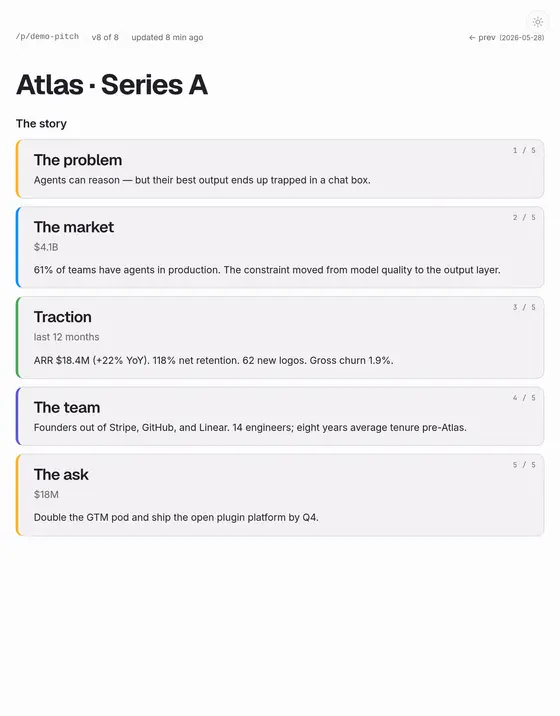
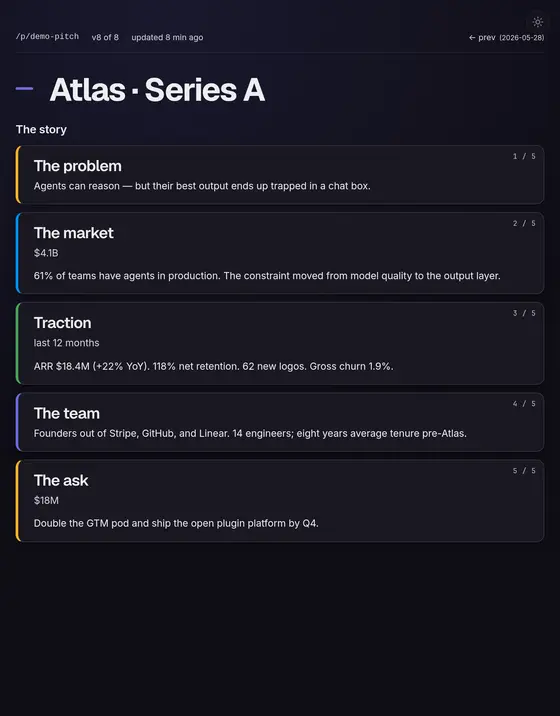
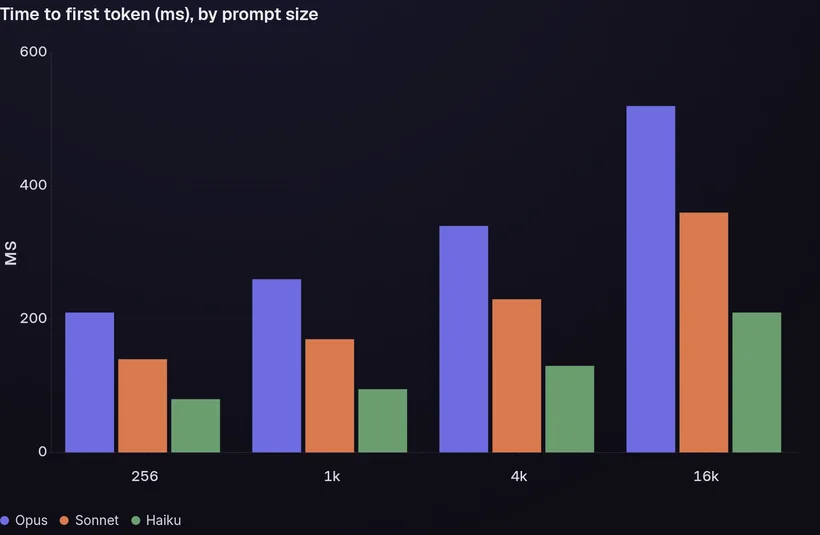
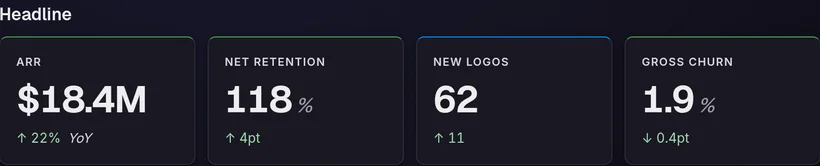
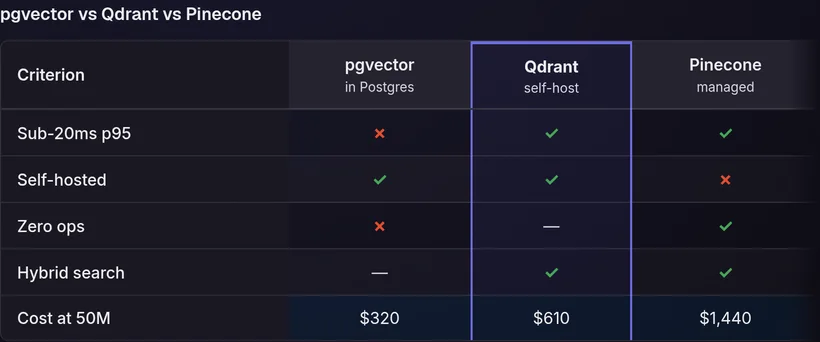
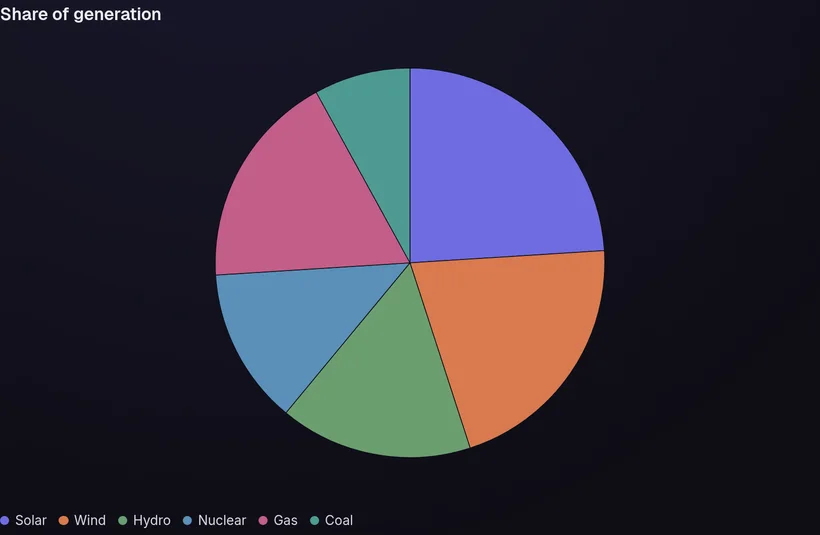
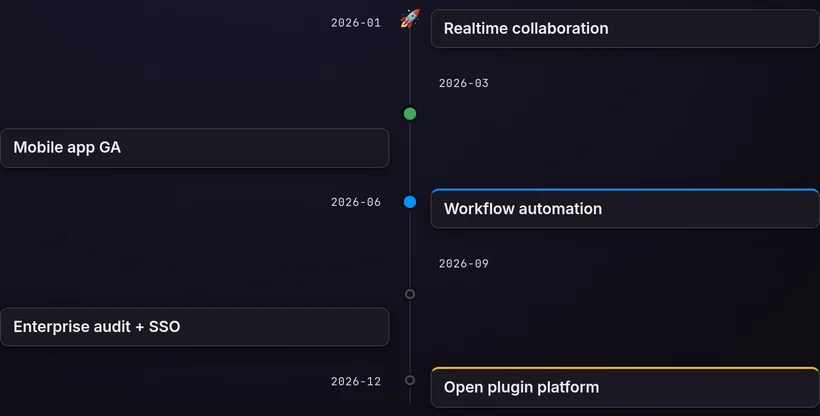
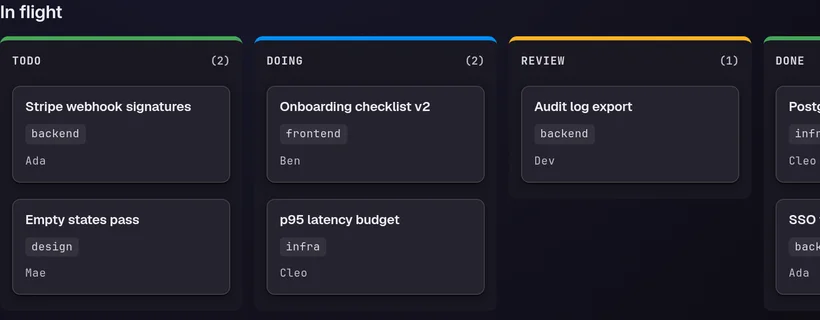
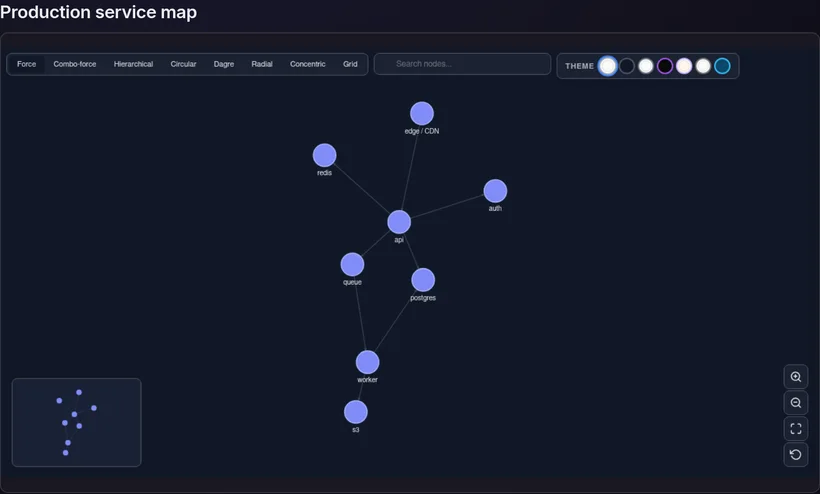
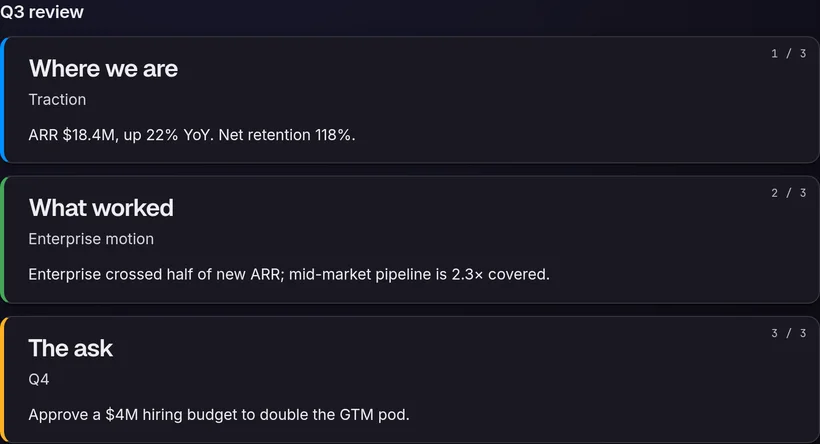
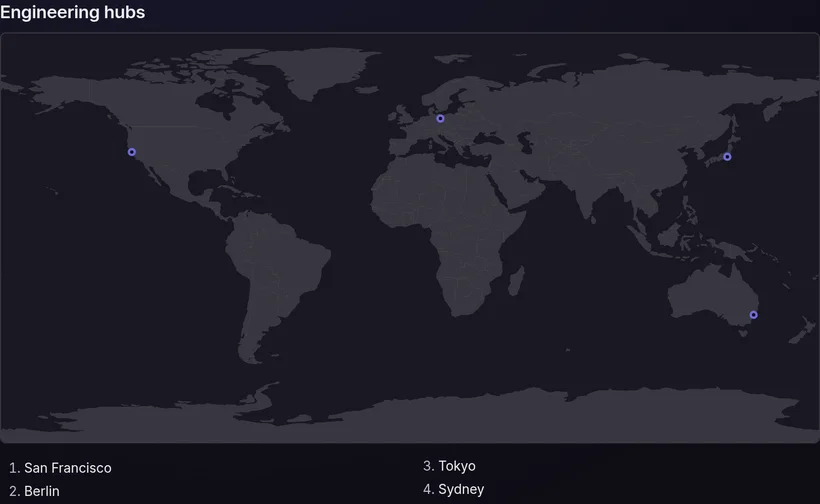
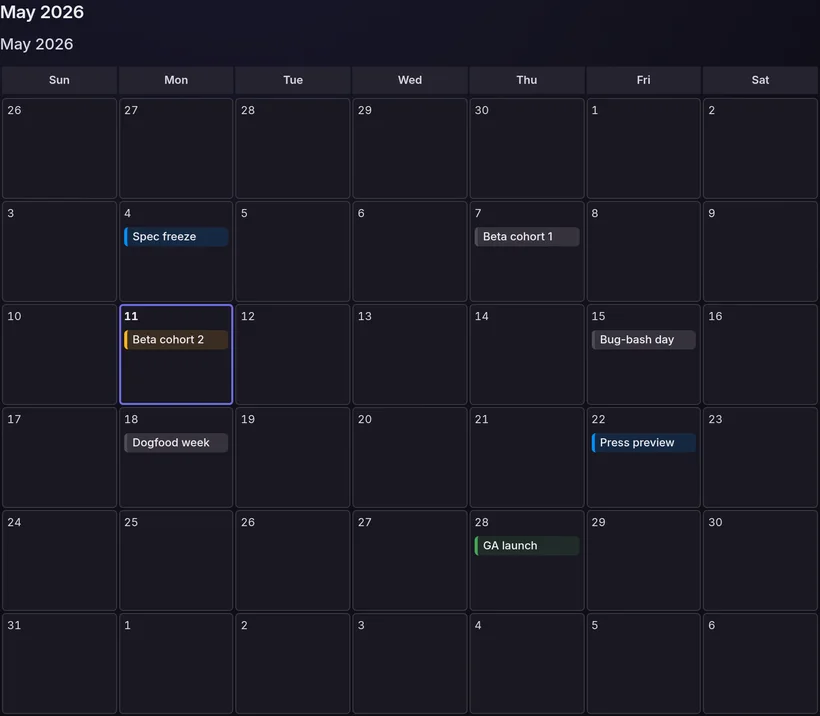
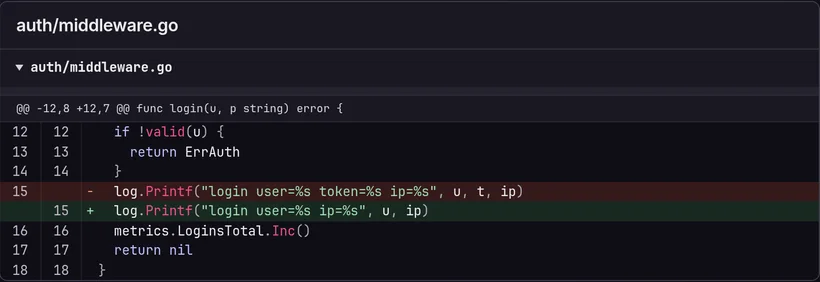
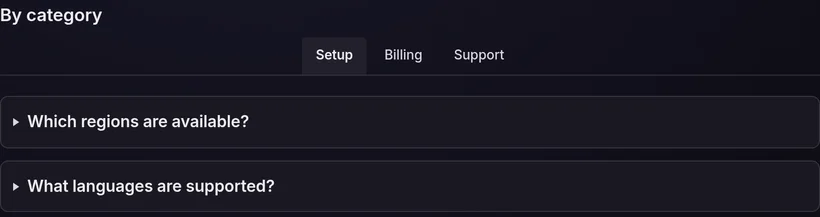
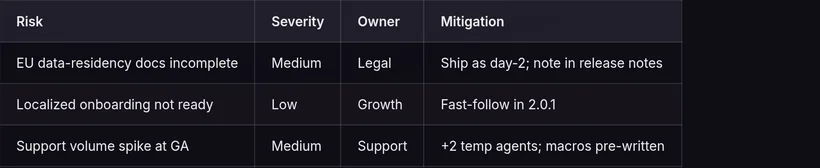
Read the spec29 block types — charts, stat grids, comparison matrices, mermaid diagrams, timelines, kanban boards, slide decks, maps, code, tables and more. Every panel below is a real mira block, not a mockup.
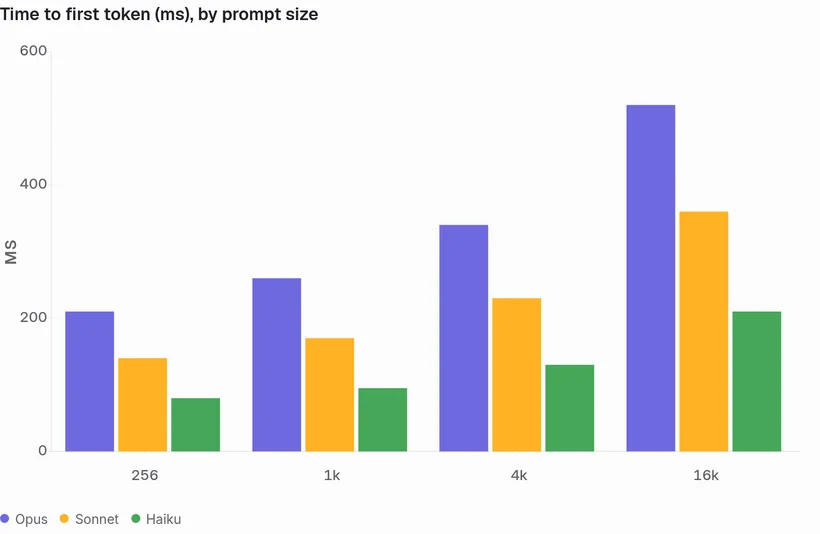
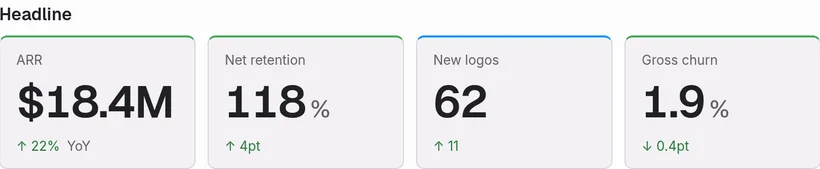
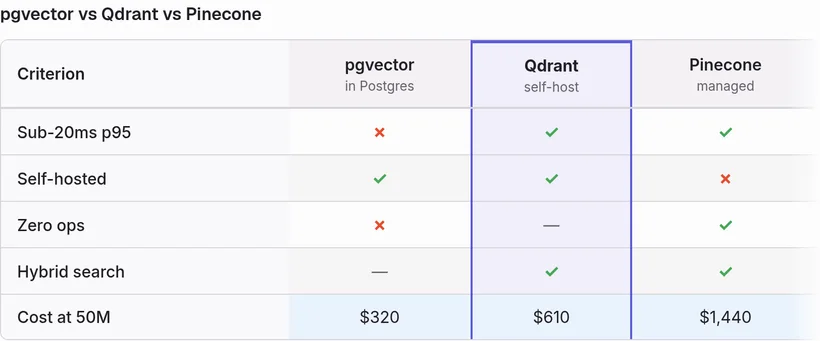
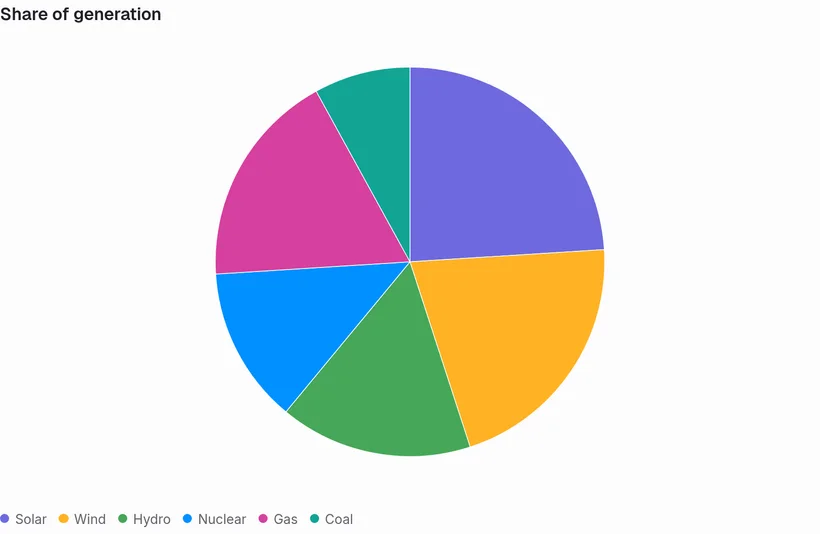
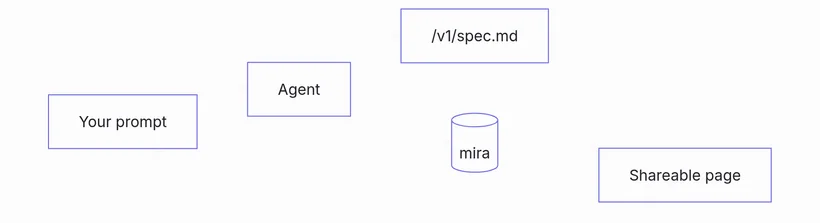
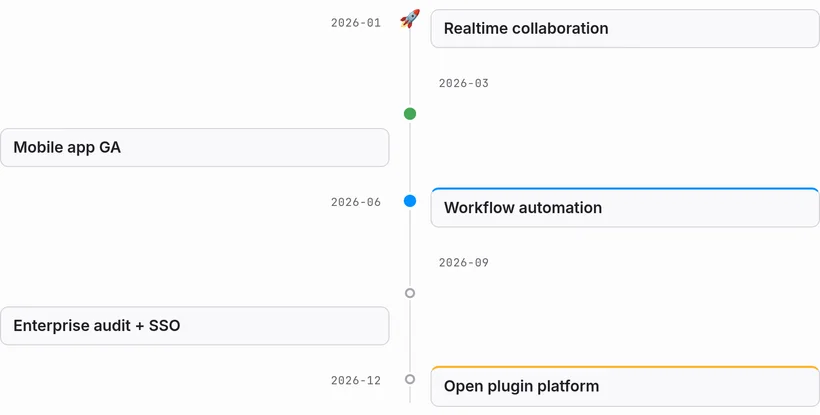
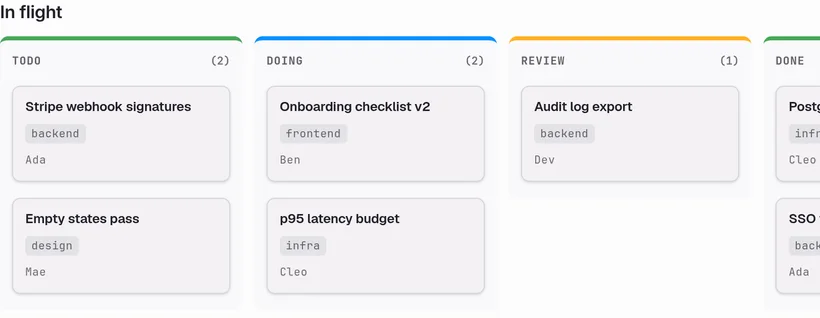
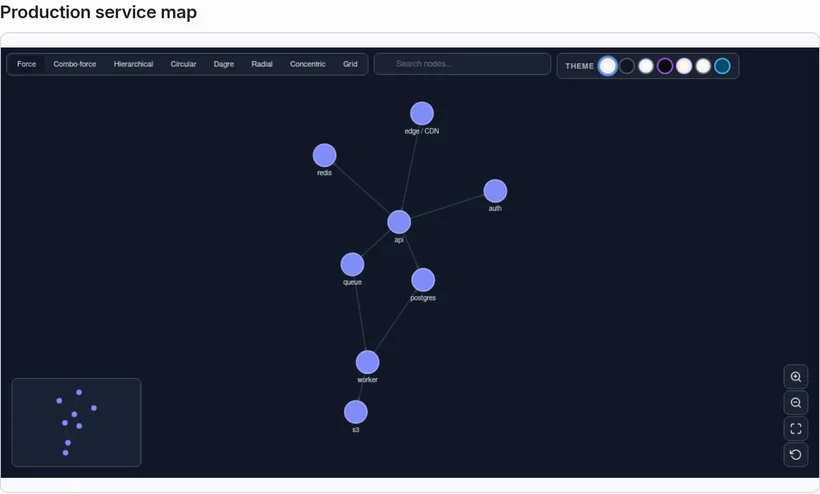
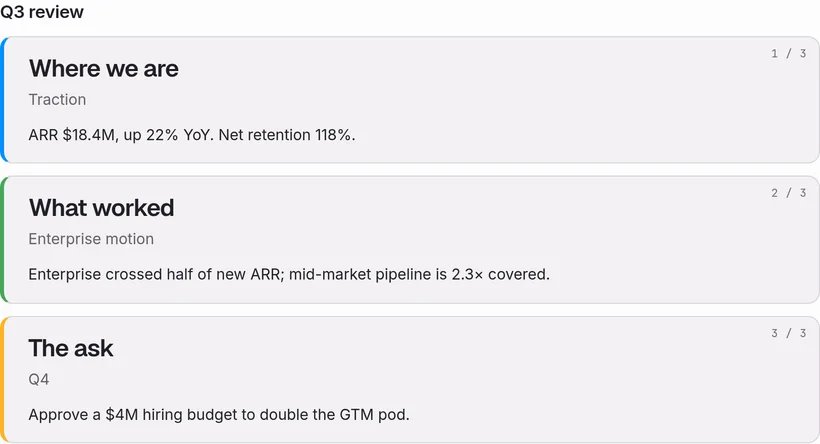
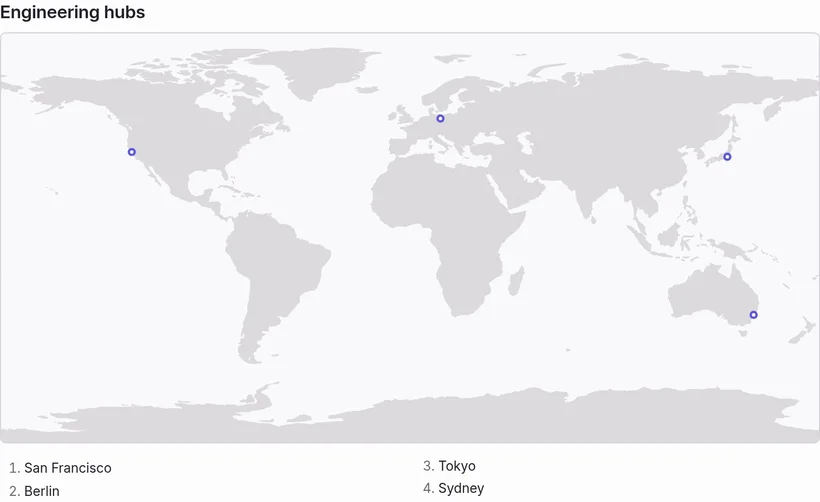
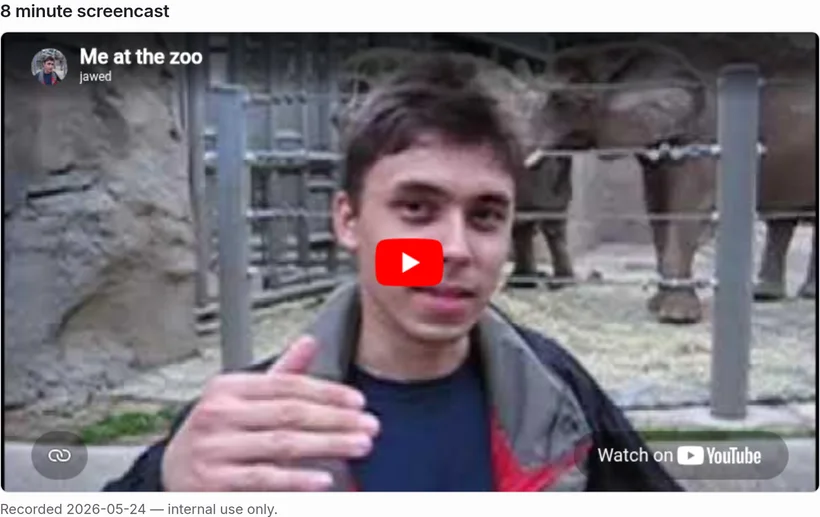
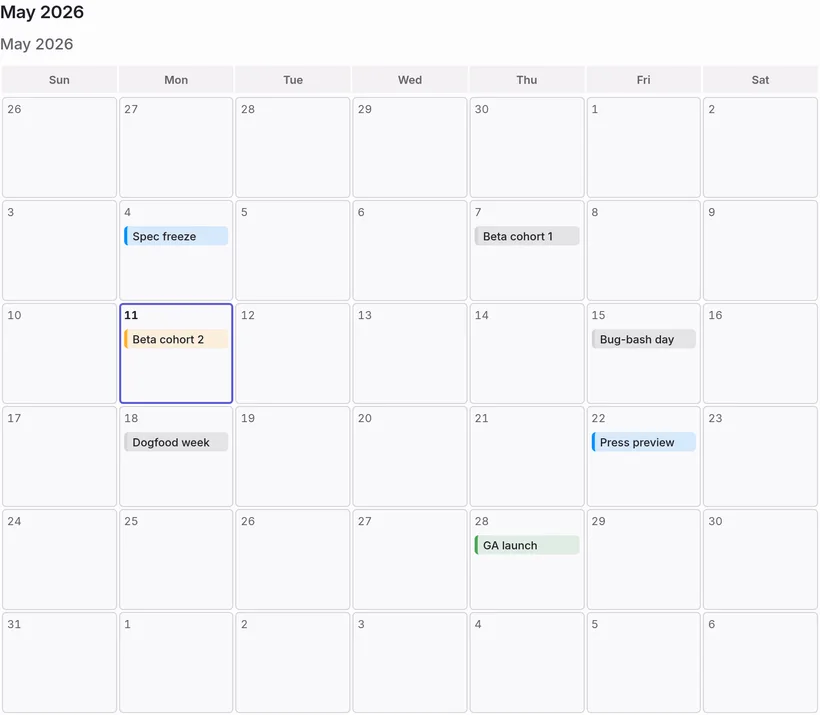
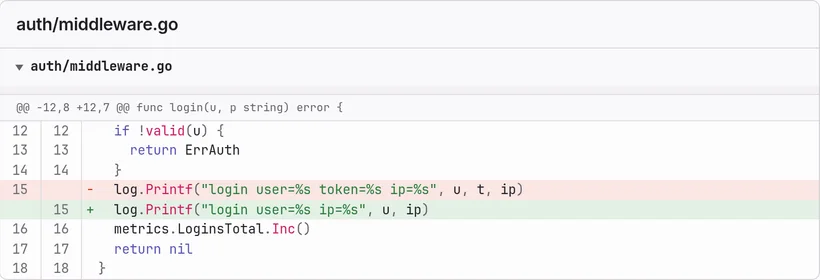
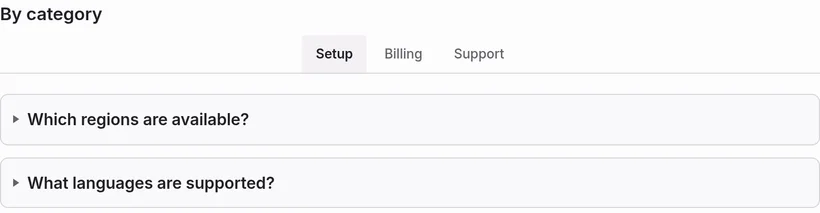


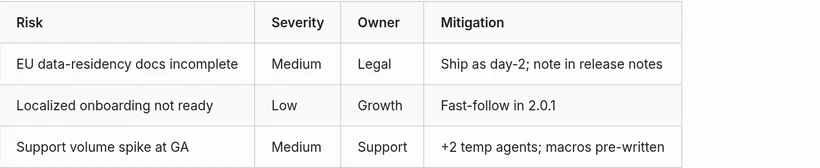

This page is a mira render. So is everything you'd send. See a live render →
Every render gets a content-addressed /r/<hash> URL with no expiry.
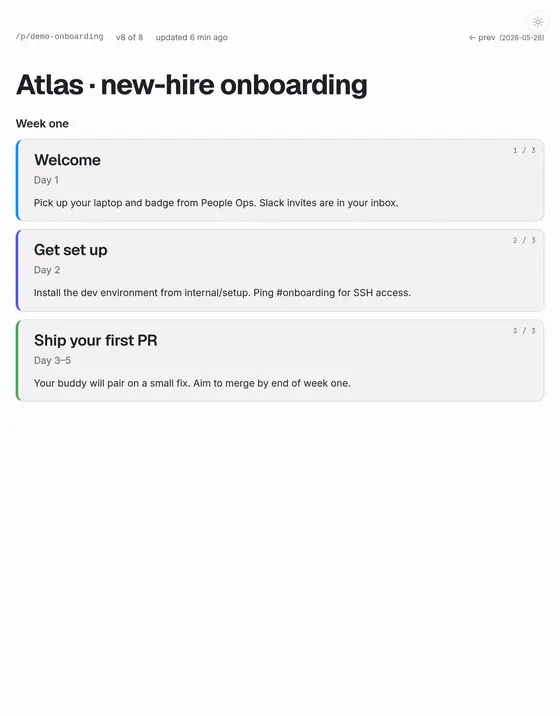
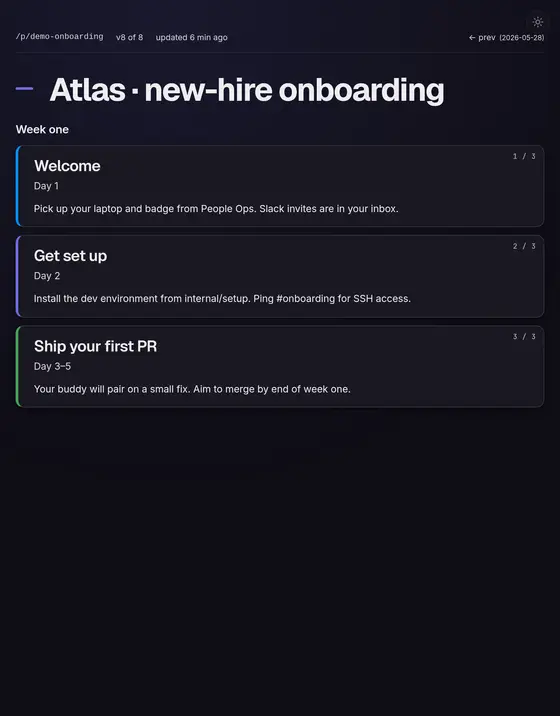
Persistent /p/<slug> URLs the agent can keep updating — the last 10 versions kept and addressable.
A strict, closed schema means the agent gets a precise error, not silent garbage. Renders look the same every time.
Read any page back as JSON (.json), export it to PDF or PNG (.pdf / .png), or lock it with a password — no JavaScript needed to unlock.
We're not going to quote customers we can't name. Here's better proof: a real page mira rendered, live. Open it, read it, then export it to PDF — the same link your agent would hand you.
Add mira.cagdas.io to your next prompt and ask it to render. You'll get a link back.
No account. No key. Works with any agent that can make an HTTP request.